Back to collection
Kerb Starter Kit
Asset pack for Kerb from Scratch: the Kerb icon fonts, app icon, splash images, and the scripts that build the glyph map.
Asset pack for Kerb from Scratch: the Kerb icon fonts, app icon, splash images, and the scripts that build the glyph map.
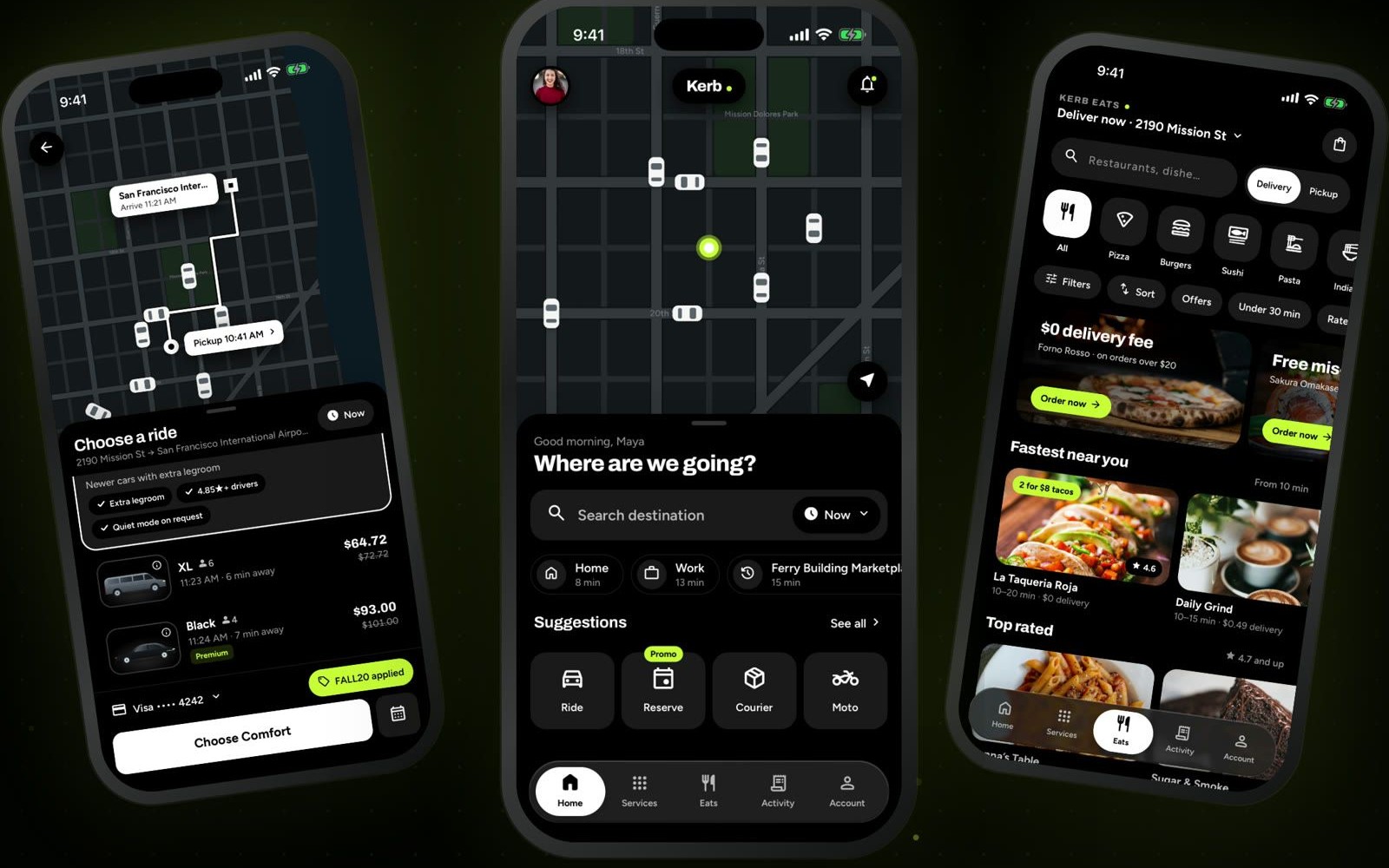
Kerb Starter Kit is the part of Kerb from Scratch that the course does not type out. Kerb is a ride, food, and package delivery app built in React Native with Expo, one file at a time. This repo holds the icon fonts (KerbSymbols, plus fill, light, and bold cuts), the app icon, the splash icon, Android's adaptive icon layers, the web favicon, and the small scripts that generate the icon-name list. In video 1A you copy assets over mobile/assets and scripts into mobile, then delete the Expo template icon. Lesson 3 runs node scripts/icons/gen-glyphs.js. The finished app source is sold separately. This kit is the free starting point.
Anyone starting Kerb from Scratch who needs the icons and images in place before lesson 1 copies them into a new Expo app.
Copy the master prompt or setup docs below and use them in your editor or AI assistant.
Follow this setup guide to get the project running locally.
Follow lesson 1, “An empty folder”. After you create the app and run npm run reset-project:
In lesson 3, node scripts/icons/gen-glyphs.js writes the list of icon names the app uses.