Back to collection
Ember App Starter
Starter for Ember Kitchen from Scratch: Expo SDK 57, the welcome screen, and the full font and icon pack.
Starter for Ember Kitchen from Scratch: Expo SDK 57, the welcome screen, and the full font and icon pack.
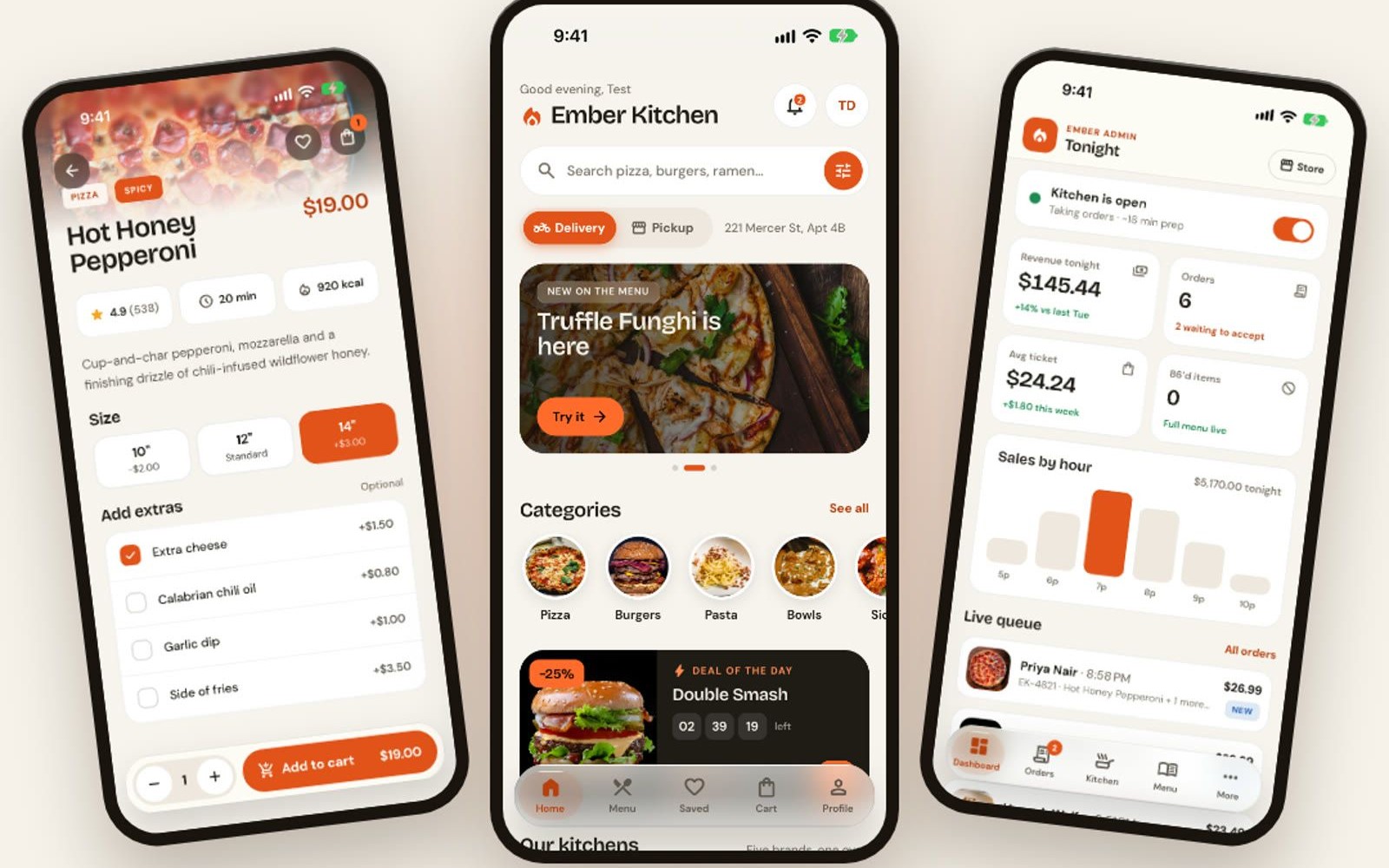
Ember App Starter is the project as it stands after the first three chapters of Ember Kitchen from Scratch. It is a React Native and Expo app with one screen, Welcome to Ember Restaurant, plus every font and image the rest of the course uses. The repo is an npm workspace: mobile (Expo SDK 57, Expo Router, React Compiler), shared types, and a server folder that stays empty until the API chapter. TypeScript is strict, ESLint is on, and both checks pass on a fresh clone. There are no ordering features yet. Those are what the course builds, starting at the design system.
Anyone following Ember Kitchen from Scratch who wants the course project after chapter 3, instead of typing the empty folder and the ground rules by hand.
Copy the master prompt or setup docs below and use them in your editor or AI assistant.
Follow this setup guide to get the project running locally.
Clone the starter, install from the repo root, and run the mobile app.
git clone https://github.com/noorjsdivs/ember-app-starter.git
cd ember-app-starter
npm install
npm run dev:mobile
Press i for the iPhone simulator or a for the Android emulator. You should see “Welcome to Ember Restaurant” in light or dark mode.
Stay on Expo SDK 57 while you follow the course. The App Store build of Expo Go cannot open this project.